
Build an online store with AI
Anticode builds small, fast shopfronts for makers and independent shops: a well-photographed collection, clear prices and a way to pay. Here is a real build for a ceramics studio, and a frank account of where a store like this stops.
The sentence we typed
“An online store for my ceramics studio called Kiln & Clay.” The word “store” chose the kind, “ceramics” chose the subject, and the subject chose the Luxury direction: Jost on a near-black ground with a champagne accent. That pairing is a starting point you can change in one click, not a rule. A ceramics studio with a bright, playful brand should switch to Playful or Organic.
What the build contained
- Header
- The studio's name and a single shop button that stays visible as you scroll.
- Hero
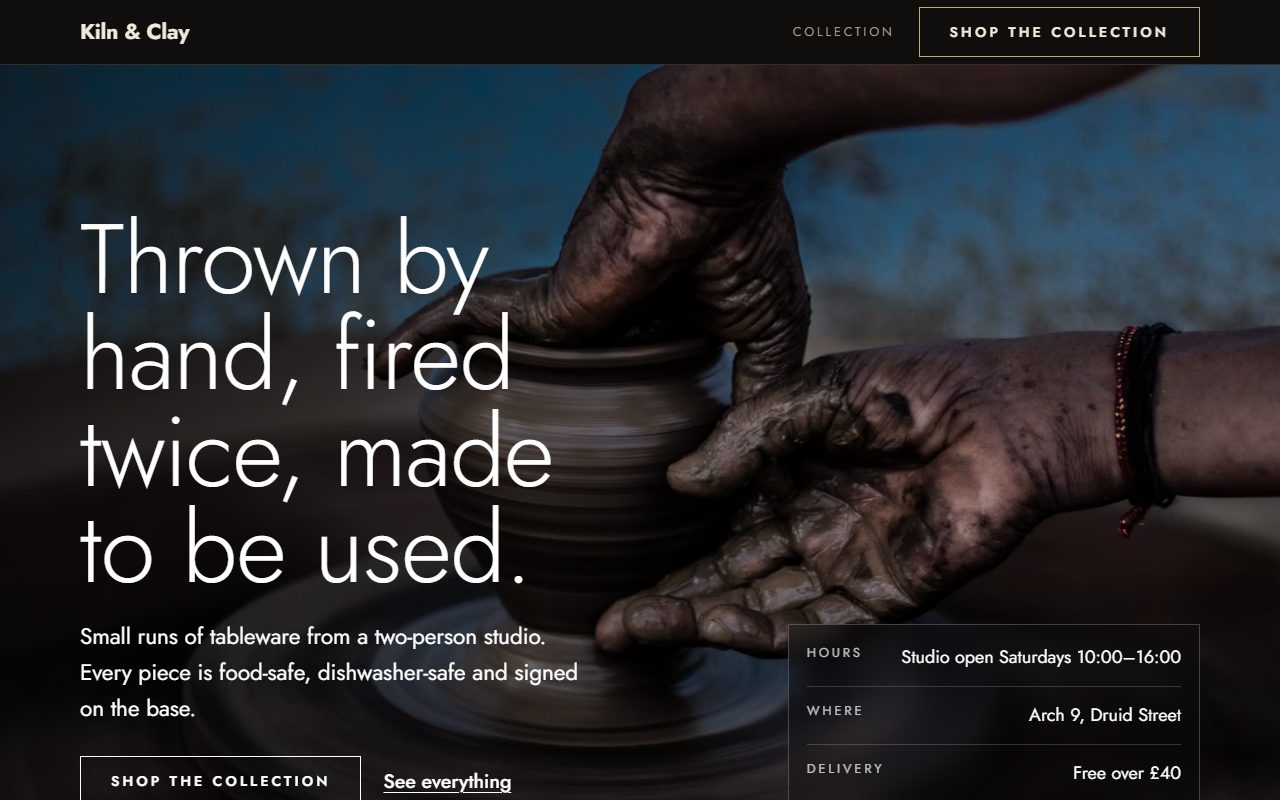
- A full-width photograph of the craft with the headline set over it, plus the facts a buyer looks for first: studio hours, where you are and the delivery threshold.
- The collection
- The products in a grid, each with a photograph, a name, a one-line detail and a price in your currency.
- Story
- Who makes the work and how. For handmade goods this is often the reason someone buys.
- Newsletter
- An email sign-up for new batches. Addresses are stored in your Anticode inbox.
- Footer
- Address, hours and the copyright line.
The page came to about 22 KB of HTML with no scripts. Every one of the twelve security checks and nineteen design checks passed. The photographs are chosen for the subject from a curated Unsplash library; for a real shop you'll want your own, and the visual editor lets you swap each one.
How people pay
Anticode doesn't run a shopping cart. Each product can carry a Buy button that opens your own payment link, such as a Stripe Payment Link, in a new tab. You add the link once in Connectors and every product button uses it. Until a payment link is connected the buttons simply don't appear, so a visitor never meets a checkout that doesn't exist.
That design keeps the published page free of scripts and keeps card details entirely on the payment provider's side. Anticode never sees them. It also means the store suits a particular shape of business.
When this is the right kind of store
- A small, curated range that you photograph and describe properly.
- Made-to-order or small batches, where each piece links to its own payment page or a single “order” form.
- A shopfront next to a marketplace. Many makers sell on Etsy or at markets and want a home of their own that loads fast and looks like them.
- Launching a first product, where you need a page and a way to take money this week, not a platform project.
When you need a commerce platform instead
If you need a basket that holds several items, stock levels that update when something sells, shipping rates by weight and country, discount codes or tax handled per region, use a dedicated commerce platform such as Shopify. Building those on top of a page that ships no scripts would be the wrong tool for the job, and we'd rather say so here than have you find out after launch.
Getting a store ready to sell
- Replace the sample products with your own names, prices and photographs. Shoot them on a plain background in daylight; consistency matters more than equipment.
- Write the detail line for what a buyer can't see: size, materials, care, lead time.
- Put your delivery and returns terms in the hero facts and the footer. Buyers look for them before they look at the products.
- Connect your payment link in Connectors, then click a Buy button on the preview to check it opens the right page.
- Read the build report. If a change you made breaks a check, it tells you which one and why.
Publishing works the same as for any Anticode site: a free anticode.dev address, your own domain on Pro, or an export of the code to host yourself.